
What Your Support Operation Should Tell You Every Week
A customer service weekly report should cover what got done, what comes next, and the decisions that need you. What to expect from your team or provider.

On Friday afternoon you open this week’s support report for the ecommerce business you own. Response time is steady, satisfaction is where it was last month, and volume looks normal. You close it knowing nothing you didn’t know on Monday.
Two weeks later a customer on the phone mentions that they’ve asked whether the replacement for a discontinued product fits the old mounting, and got a different answer each time. Nobody brought that question to you, and you were the only person who could settle it.
A support operation that’s being run well should tell you three things every week: what it did since the last report, what it will do before the next one, and the few decisions that need you. Each decision should be direct and clear so you can answer quickly. If you’re not getting this weekly, it’s time to level up your customer support operation.
What Typical Customer Service Reports Tell You
Most owners get a dashboard, or an email that summarizes one. It shows first response time, ticket volume, handle time, and a satisfaction score. Those numbers are accurate, and they tell you how fast the queue moved last week and how customers felt about the replies they got.
That’s worth knowing every week, and the dashboard measures it well. A week in which somebody truly managed the customer service operation vs a week in which everybody just worked the tickets can produce the same dashboard, because both weeks got the replies out on time.
The numbers come out of the help desk on their own. Somebody has to write the rest of the report, and the rest is where you find out whether anyone is leading the team behind the tickets.
What a Customer Service Weekly Report Should Cover
A customer service weekly report from an operation that’s being well run has three parts: what’s been done since the last report, what will be done by the next one, and the FYIs and decisions that need you. Weekly is the minimum, and after a big change it can come daily.
What’s been done. The first part shows the operation working on itself. Somebody reads a sample of tickets each week against a written standard, and the report says what they found. A useful entry reads like this: agents were answering two different ways on whether a replacement part ships before the faulty one comes back, because the policy is silent on it. The team picked one answer for now, wrote it into the macro, and listed the policy question as a decision for you.
The same section says what changed as a result: a macro rewritten, an agent retrained on freight damage claims, or a shift moved to cover the mornings when customers call. Reading tickets against a standard and coaching the people who wrote them are jobs somebody has to own, and this is where you see that they happened.
It also tells you which contact reasons are rising and which part of the business is causing them. If lead-time questions climbed this week, the report traces them to the quote template that stopped showing a ship date. Most of your support volume starts outside support, and the weekly report is where it gets called out.

What will be done. The second part is what’s being done, which you can check on the next report. “Retrain the newest agents on freight damage claims by Thursday” either shows up as done in the next report, or the next report explains what got in the way. After a month, the commitments and what became of them tell you more about your operation than any score on the dashboard.
FYIs and decisions. An FYI is something you should know and don’t need to act on. A carrier is running late in one region, a commercial customer is unhappy about a credit memo, or the team settled a question inside your written policy and wants you to know how. Decisions are the few items only you can settle.
How Decisions Should be Escalated to You
A well run operation makes most decisions itself. Your operation should settle schedules, macros, and coaching on its own. It should also settle any exception that falls inside your written policy. Routing those through you would only slow them down and create work for you.
Three kinds of decision reach you: the ones that change your policy, spend your money, or change what you promise customers. For a brand selling to consumers, that might be whether to extend the return window on a product with a sizing problem. A business selling to commercial customers often faces decisions about their terms, such as whether to waive freight on a reorder for a customer disputing an invoice. Support for customers who buy on credit terms has to match those terms, and only you can change them.
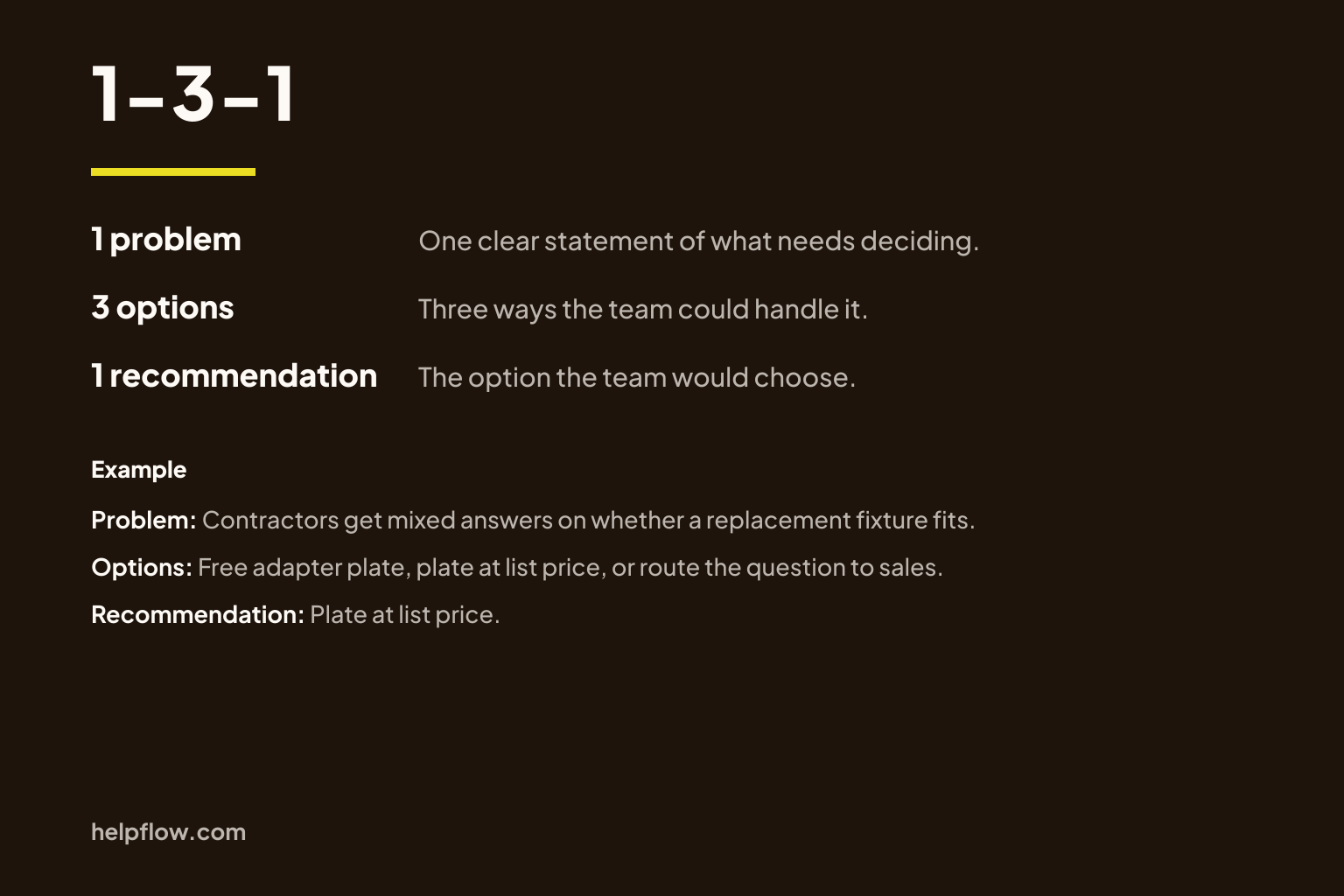
Each of those decisions should arrive in 1-3-1 form: one clear statement of the problem, three options, and the one the team recommends. That way a decision reaches you as a choice you can make quickly.
Here’s an example of using 1-3-1 well:
- Problem. The replacement for our discontinued surface-mount fixture fits the old mounting only with an adapter plate, and agents have been giving contractors different answers about it.
- Options. Tell contractors it fits with the plate and ship the plate free with every replacement order. Sell the plate at list price and say so on the product page. Send every substitution question to the sales team.
- Recommendation. Sell the plate at list price and make it clearly noted on the product page.
You can answer that with one word. Without the format, the same question reaches you as “What do you want us to tell contractors about the new fixture?” and the thinking lands back on your desk.
When the Report Comes Back Thin
Your business changes every week. You add and drop products, change carriers and prices, and hire new people. Each change shows up in the support queue within days. An operation that’s being run well always has something to report, because something in the business always moved.
So read the quiet report closely. If the done section lists only tickets answered and the report has no FYIs, the likeliest explanation is that nobody looked. Nobody read a sample of tickets, nobody counted contact reasons, and nobody noticed agents giving contractors different answers to the fixture question.
Drift builds slowly. Agents start answering the edge cases their own way, macros fall out of step with the policy, and a new hire learns from old tickets. Response time can hold steady through all of it, so the dashboard stays green.
One quiet week happens. Several quiet weeks in a row are the earliest sign you’ll get that the operation is drifting. That sign arrives well before a customer review does, while the fix is still small.
Whether Your Team or a Provider Runs It
The standard is the same whether your support is in-house or with a customer service agency. An agency that runs your operation is accountable for this report as a core part of what you pay for. If what arrives from your agency team each week is a dashboard export, it’s fair to ask who is doing the work the report would describe.
An in-house lead usually writes the report alongside the queue, the hiring, and whatever else landed on them that week. That makes it the first thing to slip in a busy week, which says more about their workload than about their ability. If you want the report, make it part of the job.
The standard holds whether you sell to consumers or to commercial customers buying on credit terms. A consumer brand’s decisions tend to involve returns, refunds, and what the site promises about delivery. For a business selling to other businesses, many decisions involve a customer’s terms. That means freight, pricing, and payment. It also means who on their side is allowed to change an order.
How HelpFlow Reports on Customer Service
Other agencies supply agents. HelpFlow runs the whole customer service operation. We recruit, hire, and train the team. We run QA and manage performance, and we change how the operation works when your business changes.
Reporting to you is part of running it. We report to clients weekly and sometimes daily. Each report covers what’s been done since the last report, what will be done by the next one, and the FYIs and decisions that need them.
We run customer service operations for 100+ ecommerce brands, and clients average a 43% lift in first response time. That includes businesses selling to consumers and businesses selling to commercial customers.
Ask for Last Week’s Report
Ask your support lead or your provider for last week’s report in this shape. You want what was done, what’s next, and the FYIs and decisions that need you. Each decision should come set out as 1-3-1.
See what comes back and how long it takes. A report that arrives the same day with real entries in all three parts means somebody is running your operation. A report that takes a week to put together, or lists tickets answered and little else, shows you the gap.
If you’d rather receive a weekly report than chase one, that’s the operation we run.
Stop Running Customer Service Yourself
HelpFlow runs managed customer service operations for ecommerce businesses. We handle recruiting, training, QA, and performance management. Book fifteen minutes and we'll map your volume and your gaps.